
Performance Tuning & You
Fine-tune your installation of Scipio ERP with this handy little guide.
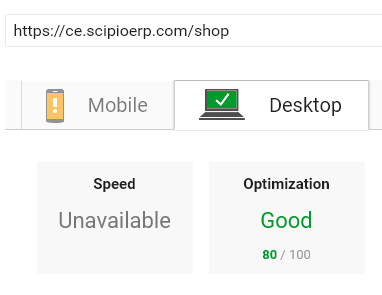
For a system running on a production/live environment, however, there is a lot you can do to tune the overall performance. Since there is a lot you can do, we compiled a performance tuning guide so that you can tweak your Scipio ERP installation to the max.
If you have any ideas to further improve system performance or simply want to reach out to us, come meet us at the
More news
- Functions & Services
E-invoicing in Germany: what changes on 1 January 2027
From 2027 a German business with more than EUR 800,000 turnover must issue e-invoices to other businesses, and from 2028 every business must. The dates, the exceptions, the formats that …
- Release
Scipio ERP speaks the Agentic Commerce Protocol
Every Scipio ERP 4.0 store can now sell through an AI agent with the Agentic Commerce Protocol: checkout sessions, a product feed, delegated card payment through the store's own Stripe …
- Developer
Upgrading from Scipio ERP 3.x to 4.0: a checklist
What to check before you move a Scipio ERP 3.x project to 4.0: the JDK and the build, the libraries that were replaced and what your own code must change, the XML that still loads, the new …