
Catalog Management (PIM)
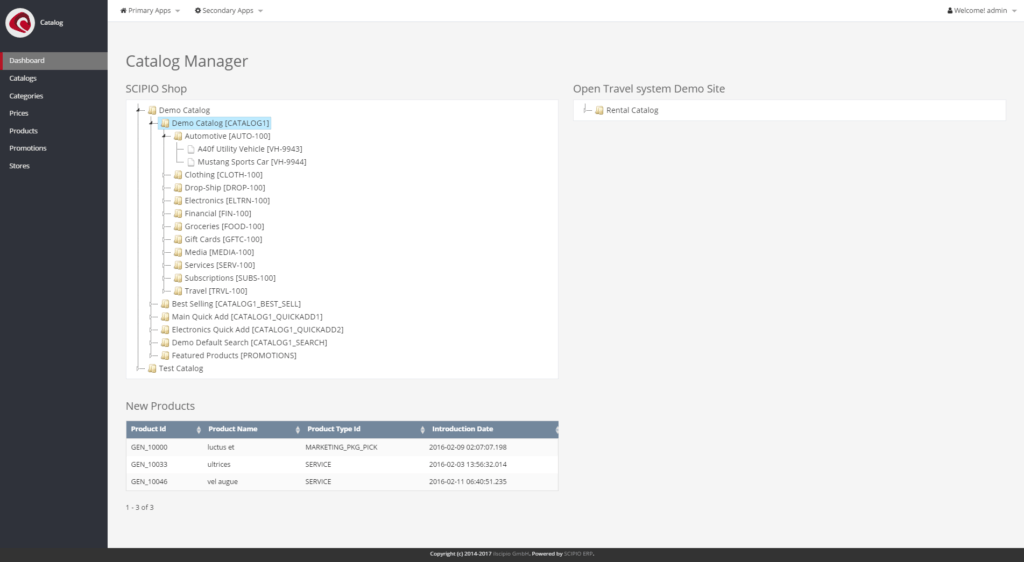
Catalog Manager – Dashboard
Catalog Management (“Catalog” or “PIM”), is a full product information management system that can be used to organize product and catalog information. The component can be separated into three parts:
- Product, Category and Catalog management Management of product information, catalogs and categories, including their relation between one another, start and expiry dates and respective features.
- Prices and Promotions Management of Generic Price Rules in addition to individual product prices, as well as promotions, which can affect the overall order or product prices.
- Store Management Management of web stores, the digital equivalent of a website with store functionality. Maps directly into the shop component and allows for a multi-store setup. Each store can be assigned to an individual company, limited to geo ids, have its own theme, email settings, and various behavior configurations (how inventories are handled, which currency to use by default, how up-sells are used, if cart information are stored in cookie etc.).
The component is interconnected with a warehouse management component (facility), which manages the stock information, shipping & shipping gateways, picking / packing and more.
Overall, the application is categorized as follows:
- Catalogs
- Catalog
- Catalog Categories
- Catalog Parties
- Categories
- Category
- Category Associations
- Category Content
- Category Products
- Prices (Global Price Rules)
- Products
- Search
- Product Information
- Associations
- Attributes
- Categories
- Content
- Costs
- Features
- Feature
- Feature Category
- Feature Group
- Feature Interaction
- Feature Type
- Geos
- IDs
- Payment Types
- Prices
- Product
- Product Overview
- Subscription Resources
- Suppliers
- Vendors
- Warehouses
- Promotions
- Stores
- Overview
- Webstore
- Catalogs
- Emails
- Fin Accts
- Keyword
- Payment Methods
- Promos
- Role(s)
- Segments
- Shipping
- Shipping Estimates
- Store
- Surveys
- Vendor Payments
- Vendor Shipments
- Warehouse
- Web Sites
The application in 4.0#
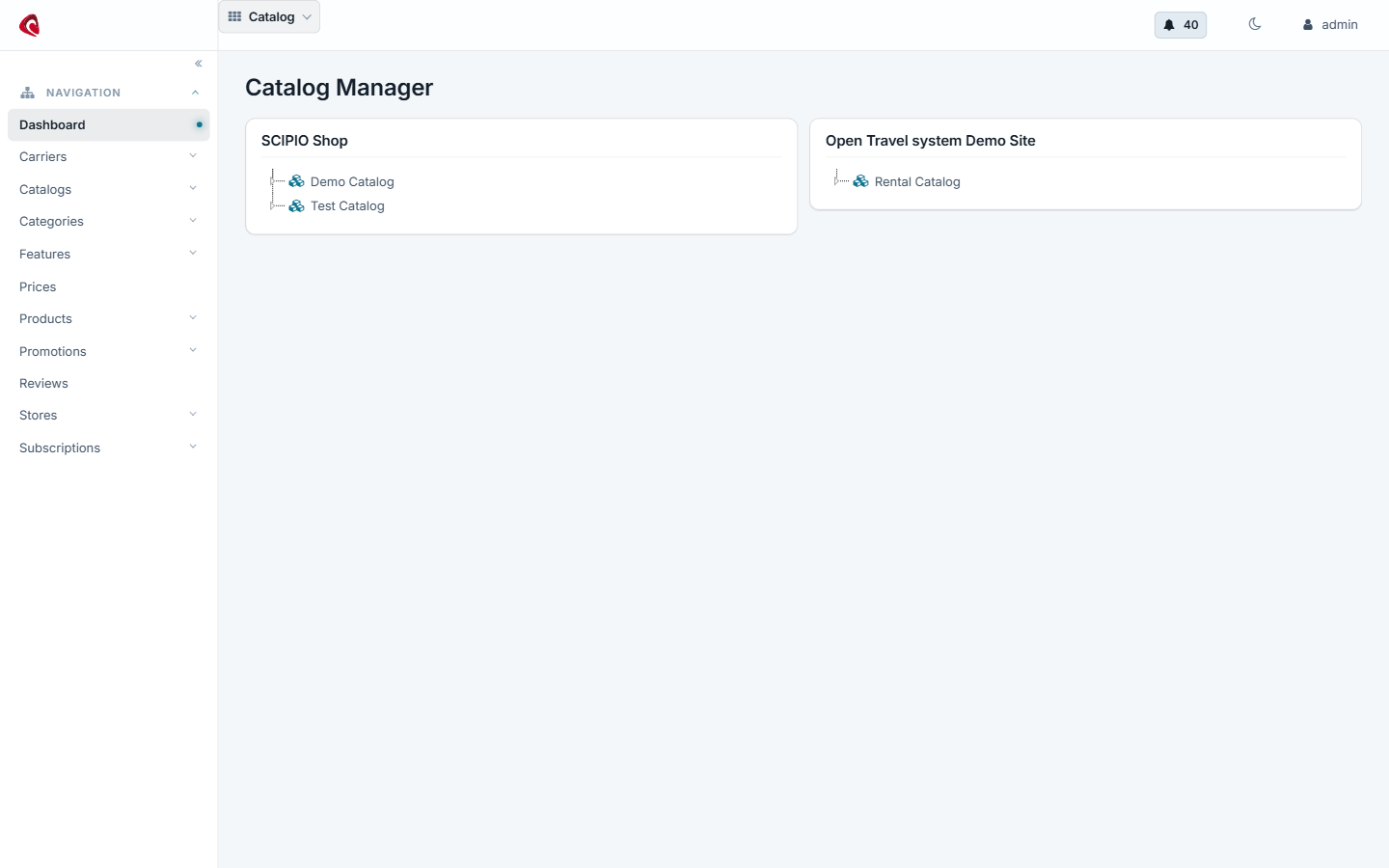
The catalog manager in 4.0: the catalogs, the category tree and the products behind the web store.
Do it with an agent#
The catalog ships an MCP server. Point your agent at the catalog webapp and it builds the assortment with you.
claude mcp add --transport http scipio-catalog "https://<host>/catalog/mcp" --header "Authorization: Bearer <token>"Two tools carry the application. Every call names the tool and one action.
product—create,update,find,get,import,price_set,variant_add,assoc_set,feature_create,feature_apply,identification_set,content_set,category_create,category_assign,category_child_add,category_list,catalog_create,catalog_category_add,facility_set.store—catalog_add,shipment_method_add,shipment_estimate_create,payment_setting_add,promo_create,promo_apply,promo_code_create.
Add a product with its variants#
“Create the product Trail Jacket, add the sizes S, M and L as variants, set the list price to 149 EUR and put it in the Outdoor category.”
The agent calls product:create, product:variant_add per size,
product:price_set and product:category_assign. Ask it to read the product
back with product:get before you publish.
Import a supplier sheet#
“Here is the supplier’s price list. Import the rows as products and put them under the category they name.”
The agent calls product:import once per batch. The import answers with the
rows it rejected, so you correct the sheet and run it again.
Run a promotion#
“Give SCIPIO Shop a 10 percent promotion on the Outdoor category for December and make one code for the newsletter.”
The agent calls store:promo_create, store:promo_apply and
store:promo_code_create.
The token is a user login. The agent does what that user may do, and nothing more. Every call writes one audit row. Read the security model before you hand a token out.
Catalogs & Categories
Catalogs and categories are separate entities within Scipio ERP. It is easiest to visualize catalogs as …
Products
Scipio ERP is capable of managing extensive product information through the catalog interface (“Products » …
Prices & Promotions
Prices in Scipio ERP are not always absolute amounts, but can be a combination of a base amount, taxes, …
(Web-)Stores
(Web-)stores are the combination of a website endpoint (website) and a product store (sales channel for …