
PayPal
PaypalREST End user doc WIP#
Description#
PayPal is first-class payment processor service used by lots of ecommerce and companies world wide. This addon basically comprehends the integration into Scipio ERP required to operate with the new PayPal REST API. Internally it uses the PayPal SDK API
For more information take a look at https://developer.paypal.com/docs/api/payments.billing-agreements
Setup#
This addon can be purchased from our themes and addons shop (https://shop.scipioerp.com/) . Once purchased you will have access to our private git repository. Follow this instructions in order to download and install it into your existing ScipioERP instance. Note that ultimately you will have is this command:
./git-addons pull paypalConfiguration#
Once you have your addon installed you will have to load the data required in order to make the addon work properly.
For a development environment, issue this command:
/git-addons install-demo paypalOr for a production environment, you will have to issue:
/git-addons install-production paypalAt this point you can configure it through UI or use ./addons/paypal/config/paypal.properties. The latter is basically used as a fallback.
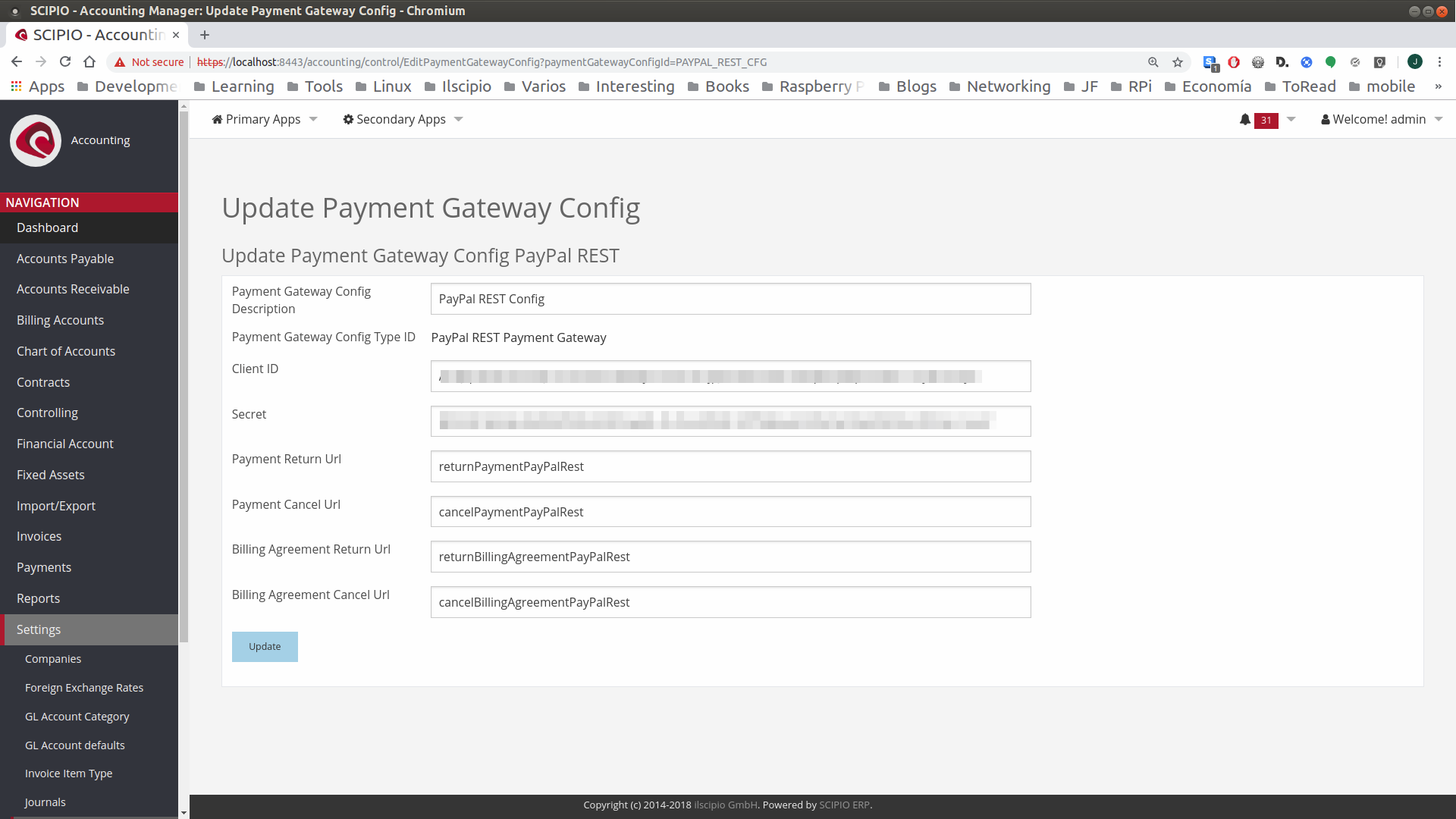
After that, you must associate the new payment configuration to an existing store.
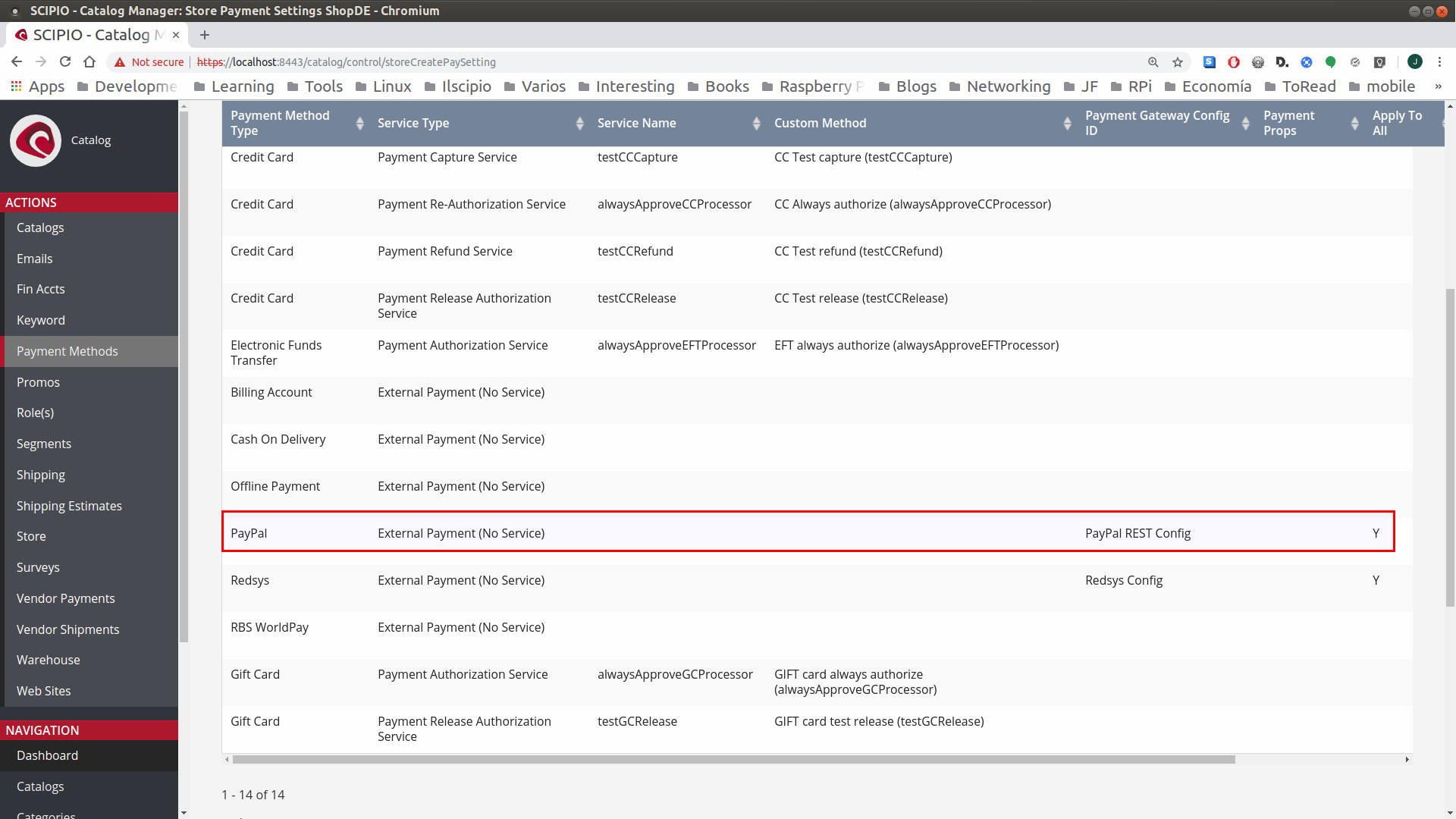
Operations#
PayPal offers a quite large variety of payment operations that can be done. Some have been implemented in this addon whereas others may be implemented in the near future or not planned to be implemented, unless there is a huge demand for such features.
Standard Payment#
Currently implemented. A real-time payment transaction triggered by the card holder. The following screenshots show the workflow you must see to
- During checkout process, select Paypal REST option and finally create the order.
- You’ll be redirected to PayPal’s page where it will take care of gathering the payment details. Ultimately Paypal will process and return the result.
- Finally you’ll see the order successfully approved (if the store is configured to auto approve orders) and the payment successfully fulfilled.
Partial or Total refund#
Allows to refund totally or partially a previous transaction once it’s been confirmed it is a valid one.
Recurrent transaction#
Basically used for subscriptions. Initializes periodic payments to be triggered automatically.
Successive Transaction#
*Work in progress.*Performs each periodic payment defined by an existing recurrent transaction and must match the conditions defined by it.
The PayPal Addon brings parts of the PayPal REST API to Scipio. With some little configuration one can start making payments and create billing agreements for subscriptions easily.
https://developer.paypal.com/docs/api/payments.billing-agreements