
Developer
Developer#
Set up your workstation!
Eager to try your hands on the system? Then set up your workstation (guide below) and then head over to our developer docs for some detailed information around Scipio ERP development.
Developer Tools#
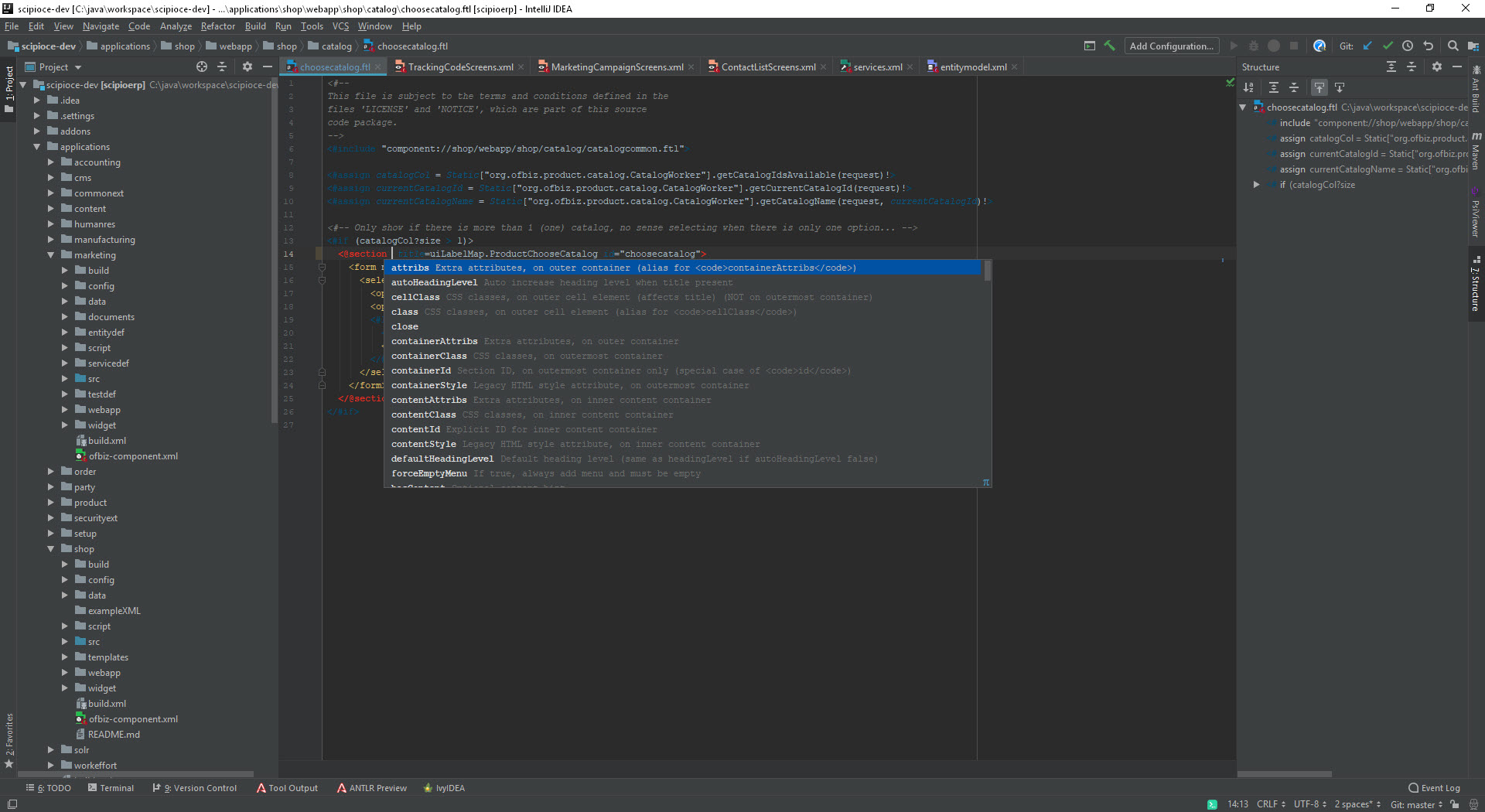
Download our IntelliJ IDEA integration ! Our IDE plugin for IntelliJ IDEA is specially designed for an ideal developer workflow. The plugin is compatible with all IntelliJ IDEA editions and comes with a range of support functionality you truly don’t want to miss out on.

Project Import#
Run the project importer to easily setup your Scipio ERP developer environment.

Templating Toolkit Editor#
Our templating toolkit editor supports syntax highlighting, auto-complete, in-place documentation, structured view and more.

Config File Editor#
Edit all Scipio ERP configuration files (screens, services, entities, components etc.) with ease. Features include a structured view, “component:…” url recognition, auto-complete, in-place documentation and more.

Run & Debug#
Use the run/debug templates to easily test and debug your own sources. Add your own build-tasks and customize to your own comfort.
IntelliJ IDEA Setup#
Follow these simple steps to setup your Scipio ERP workstation. Use our “Run/Debug” template to easily debug Scipio ERP from inside IntelliJ IDEA. Customize the highlighting colors to your own liking.
Download IntelliJ IDEA#
Download Intellij IDEA or use your existing Intellij installation. The plugin is compatible with the IDEA community edition.
Install our integration#
Open “File” > “Settings” > “Plugins” (CTRL+ALT+S) and search the marketplace for “Scipio ERP”. Install the plugin.
Import Scipio ERP#
Open “File” > “New” > “Project from Existing Sources” and select your project root directory. Choose “Import project from external model” and select “Scipio ERP”. Follow the install wizard.
Further Reading#
Scipio ERP started out as a fork of the Apache OFBiz project and remains compatible. So the Apache OFBiz documentation can be helpful for general references. In addition, the following books are a recommended read to ease your way into development.
The Data Model Resource Book Vol. 1-3#
Len Silverston#
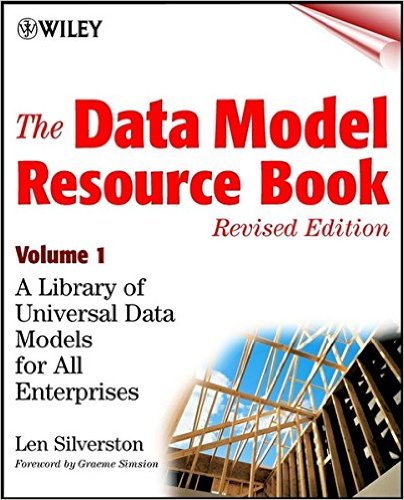
ISBN/EAN: 9780471380238, 9780471353485, 9780470178454
Apache OFBiz Development: The Beginner’s Tutorial#
Jonathon Wong, Rupert Howell#

ISBN/EAN: 9781847194008
Apache OFBiz Cookbook#
Ruth Hoffman#
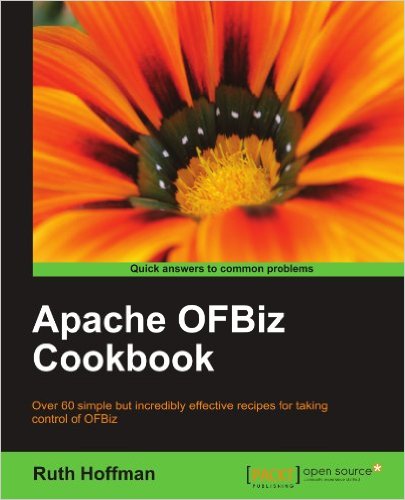
ISBN/EAN: 9781847199188
Want to get started?#
Find out all about SCIPIO development and how you can customize the software to fit your own needs. Show me how!
Setup
Prerequisites System Requirements Operating System: Windows, Linux, OS X Core 2 Duo or Athlon X2 at 2.4 GHz or …
Architecture
Introduction Scipio ERP is first and foremost a framework for business processes. It consists of a framework, …
Services
Roughly speaking, a service is a piece of code (Java, Simple-method, Groovy, etc.) that can be run inside of …
Annotations
What the annotation system covers in Scipio ERP 4.0 and how it loads.
Entities
The Entity Engine works similar to other database-frameworks in the likes of Hibernate. The layer supports a …
Views
SCIPIO ERP relies on a presentation layer to generate visible results. The layer itself is context-independent …
Templating Toolkit
The SCIPIO ERP Templating Toolkit consists of a set of freemarker macros, that are easy to learn and simple to …
Events & Actions
As mentioned in our architecture overview, Scipio ERP relies on a event driven SOA (service oriented …
Agents
What agent access is in Scipio ERP 4.0: an MCP endpoint per application, a token as a user login, default …
Testing
Scipio ERP runs its tests inside a running framework, not outside it. A test case reaches the real delegator …
Magnolia Connector
Introduction As part of the Enterprise Edition, Scipio ERP offers Magnolia v5.x as a professional Content …