
Accounting
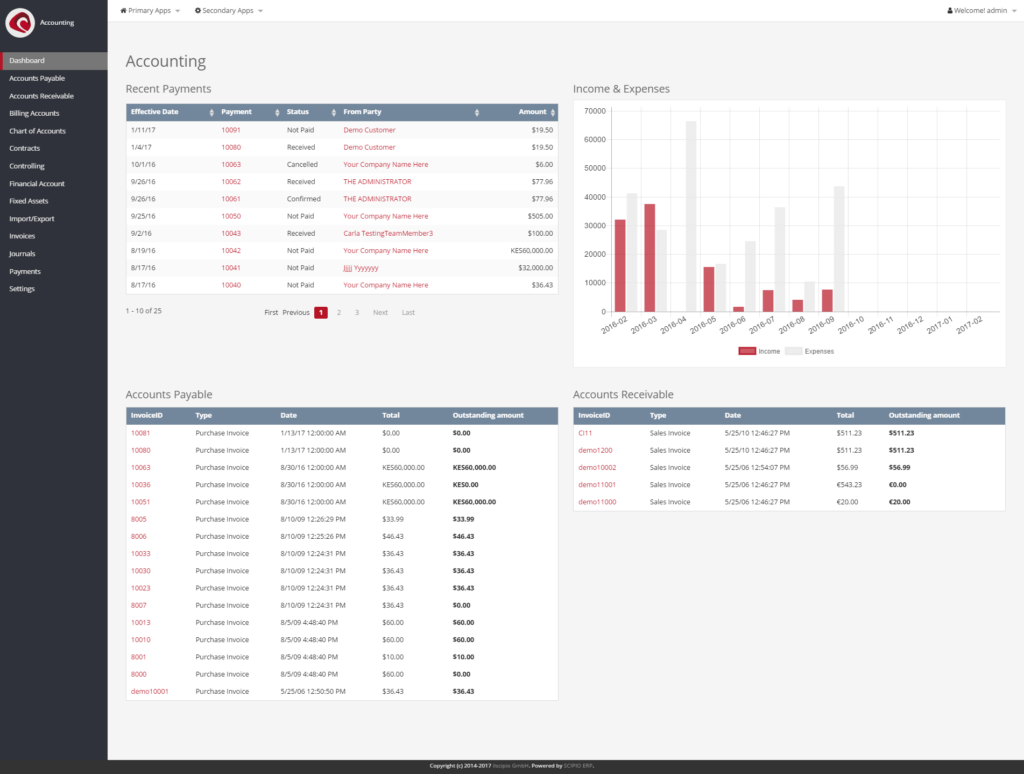
Accounting (“Accounting”), is a software application that records and processes accounting transactions within the system. The component gives access to various type of information, that are useful to manage accounts and generate reports. The application also contains functionality for controlling & contract management. All in all, the application contains:
- Accounts Payable
- Payment Groups
- Invoices
- Payments
- Reports
- Accounts Receivable
- Payment Groups
- Invoices
- Payments
- Reports
- Billing Acocunt
- Chart of Accounts
- Account Navigation
- Chart of accounts
- Accounting Transactions
- Contracts
- Controlling
- Budgets
- Cost Centers
- Financial Accounts
- Fixed Assets (Asset Management)
- Import Export
- Export Accounting Transactions
- Export Invoices
- Invoices
- Invoices
- Commission Run
- Commission Report
- Journals
- Accounting Transactions Overview
- Transaction Totals
- Balance Sheet
- Comparative Balance Sheet
- Cash Flow Statement
- Comparative Cash Flow Statement
- Income Statement
- Comparative Income Statement
- Sales Invoice by Product Category
- Inventory Valuation
- Trial Balance
- Payments
- Settings
- Companies
- Time Periods
- Custom Time Periods
- Foreign Exchange Rates
- General Ledger Account Category
- General Ledger Account Defaults
- Invoice Item Types
- Payment Gateway Config (Online Payments)
- Payment Method Types
- Rates
- Tax Authorities
- Vendors
Demo-data is available, which can be customized to represent your own company. Likewise, the you can create and editor your own accounts through the interface.
By default, the software is based on US GAAP accounting standards. Due to the current limitations, additional efforts are required in order to succesfully set up the software outside of the US. Additional modules, which add european accounting standards, such as the german SKR04, austrian SKR07 or the spanish GPC are currently in development and will be available shortly.
The application in 4.0#
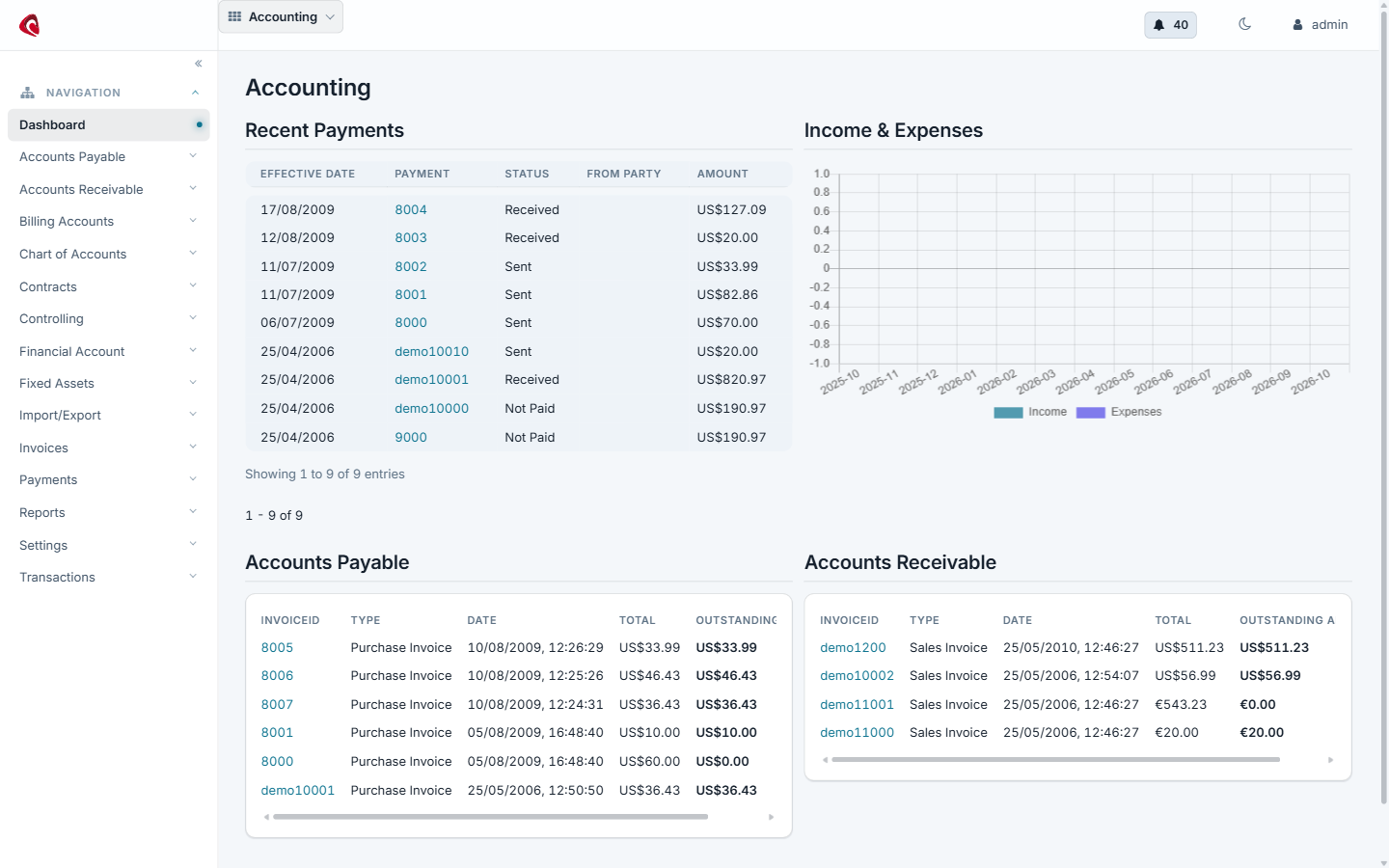
The accounting dashboard in 4.0: the balance of the organisation, the invoices that are still open and the payments of the period.
Do it with an agent#
The accounting application ships an MCP server. Point your agent at the accounting webapp and it bills, collects and posts with you.
claude mcp add --transport http scipio-accounting "https://<host>/accounting/mcp" --header "Authorization: Bearer <token>"Three tools carry the application. Every call names the tool and one action.
invoice—create,create_from_order,item_add,update,set_status,send,find,get,open_items,statement.payment—create,apply,unapply,set_status,void,deposit,find,bank_import.ledger—account_create,account_assign_org,transaction_create,transaction_post,fin_account_create,fin_account_transaction_add,billing_account_create,fixed_asset_create,tax_authority_create,tax_rate_create,time_period_create,time_period_close,agreement_create,agreement_item_add.
Bill an order and chase the money#
“Invoice order WSCO10010, send it to the customer and tell me what is still open for that customer.”
The agent calls invoice with create_from_order, then send, then
open_items. It reads the invoice number back to you, so you can check the
document before it leaves the house.
Post a bank file#
“Import yesterday’s bank statement, apply each payment to the invoice it matches and post the batch to the ledger.”
The agent calls payment:bank_import, then payment:apply per line, then
ledger:transaction_post. A payment it cannot match stays unapplied and the
agent lists it for you.
Close the month#
“Close accounting period 2026-09 for Company and list the invoices that are still open.”
The agent calls ledger:time_period_close and invoice:open_items. Closing
a period is marked as a confirmed call: the agent asks first.
The token is a user login. The agent does what that user may do, and nothing more. Every call writes one audit row. Read the security model before you hand a token out.