
Shop
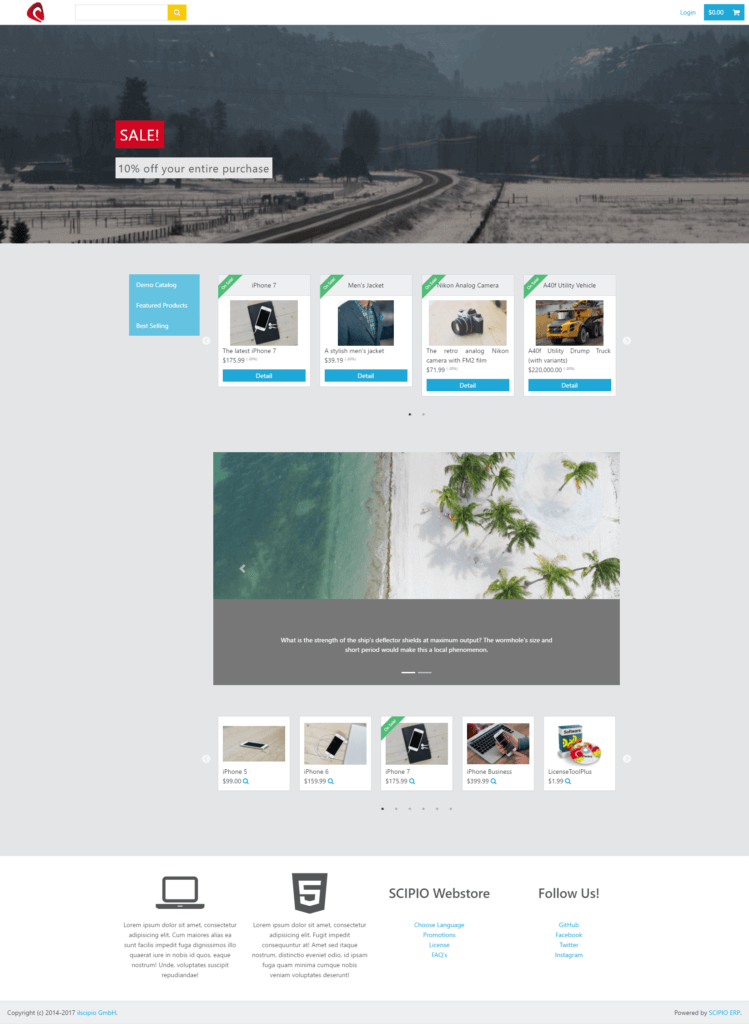
Scipio Store Example (Ignite Theme)
The shop component is a multi-channel, multi-store and multi-language application. It is interconnected with the catalog-, order-, user-, crm-, content- & warehouse-management application and relies on the accounting application for the overarching tax and transaction rules. It is quite the modern store with a long list of features:
- Customizable, modern themes based on latest HTML frameworks (Bootstrap v3/4, foundation 5, etc.)
- Responsive & optimized for mobile checkout
- Promotions (Giveaways, promotional prices, marketing campaigns etc.)
- Voucher codes
- Apache Solr integration for faceted search & fast access to product and category information
- Drop-Shipping
- Support for all product configurations (subscriptions, virtual & physical goods, configurable products etc.), product features, complex price & tax calculation and more
- Up-Sell & Cross-Sell and cross-promotion
- User comments and ratings
- Marketing Campaign support (with lifetime user tracking, special promotions, segmentation etc.)
- Social Media integration (https://github.com/heiseonline/shariff )
- User-groups and multiple logins
- Multiple checkout mechanisms (One-Page Checkout, 5 Step Checkout, Guest-Checkout)
- Support for B2B & B2C sales
- Configurable Shipping carrier
- Configurable payment providers
- Customer profiles with bonus system & access to invoices, order history, order tracking information and more
- Customizable invoices
- Customizable Email notifications
- Full Order & Return lifecycle, including split returns
Since the online shop is built around several other applications, it may be easiest to check the following applications for different aspects of the webstore:
- Accounting
- Invoices
- Tax Authorities & Tax Settings
- Catalog Management
- Catalogs
- Categories
- Promotions
- Products
- Webstore Configuration
- CMS
- Content
- CRM
- Marketing Campaigns
- Analytics
- User Segments
- Sales Force Management
- User Management
- Logins
- Customer Complaints
- Communication
- Requests
- User Information
- User Groups
- Order Management
- Orders
- Returns
- Order Stats
- Warehouse Management
- Inventory
- Shipping
The application in 4.0#
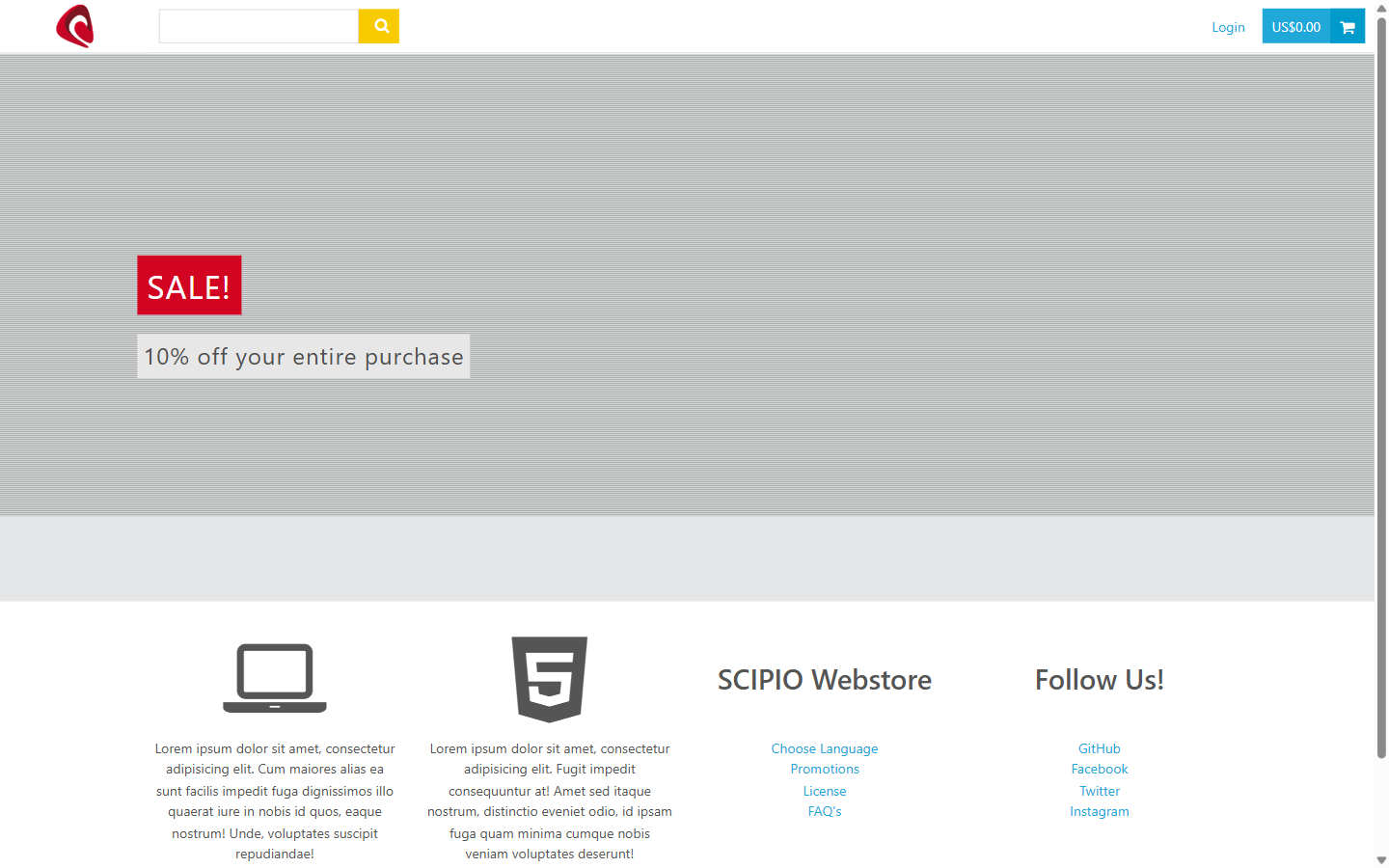
The shop in 4.0: the demo storefront that the same catalog, the same prices and the same stock feed.
Do it with an agent#
The shop ships an MCP server, and it answers as the customer whose token you use. That makes it the shortest way to test the storefront end to end, and the way to give a customer an agent of their own.
claude mcp add --transport http scipio-shop "https://<host>/shop/mcp" --header "Authorization: Bearer <token>"Three tools carry the application. Every call names the tool and one action.
shop_catalog—search,get,categories,review_create.shop_cart—get,add,remove,checkout.shop_account—orders,order_get,profile_update,address_set,email_set,phone_set,contact_list_signup,contact_list_unsubscribe,quote_from_list,request_create,order_confirmation_resend.
Buy something, end to end#
“Search the shop for a bike, put the cheapest one in the cart and check out with the saved address.”
The agent calls shop_catalog:search, shop_cart:add, shop_cart:get and
shop_cart:checkout. Checkout is a confirmed call. Run it against a test
customer to prove catalog, price, stock, payment and mail in one pass.
Help a customer who called#
“The customer says the confirmation never arrived and the street number is wrong. Fix the address and send the confirmation again.”
The agent calls shop_account:address_set and
shop_account:order_confirmation_resend. With the customer’s own token it
reaches that customer’s records and no others.
Turn a wish list into an offer#
“Make a quote out of my saved list and ask sales to price it.”
The agent calls shop_account:quote_from_list and
shop_account:request_create. The quote lands in the order application.
The token is a user login. The agent does what that user may do, and nothing more. Every call writes one audit row. Read the security model before you hand a token out.