
Admin
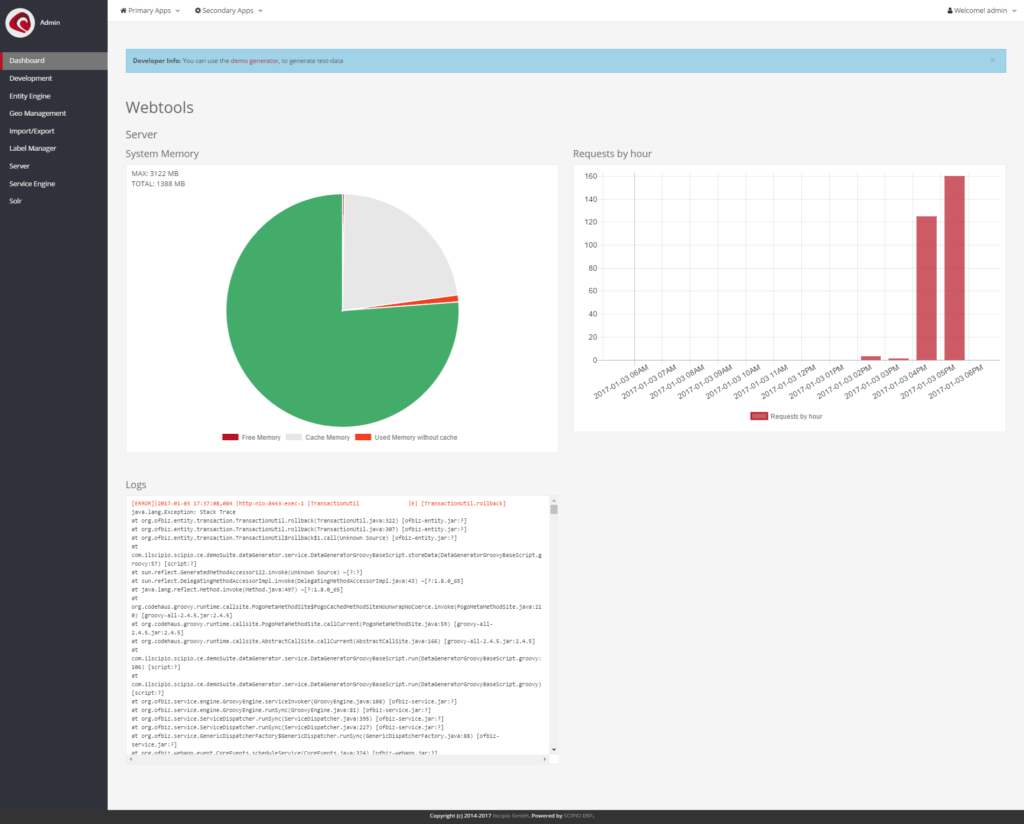
The Admin application is the main hub for all all system information and a great companion for system admins & developers . It is here that you can find:
- Server – Server & System information
- Memory allocation
- Log
- Cache-Settings
- Request-Overview
- Account Management
- List of components / applications
- Artifact information (List of available Screens/Requests)
- Entity Engine – Entity (database) information
- Entity List
- Data-Editor
- SQL-Processor
- Database-Performance Tests
- Connection/Pool Status
- Scipio Utility Services (Reload-Theme-Data, Create demo-Data)
- Service Engine – Service information
- Service List
- Job List
- Job Scheduler
- Service Scheduler
- Label Manager – Label information
- Geo Management – Geo location settings
- Development – Tools & Utilities
- Developer Documentation
- Layout Demo
- Import / Export
- XML Data Export
- XML Data Import
- Solr – Search engine configuration – a link to the Solr user interface
The application in 4.0#
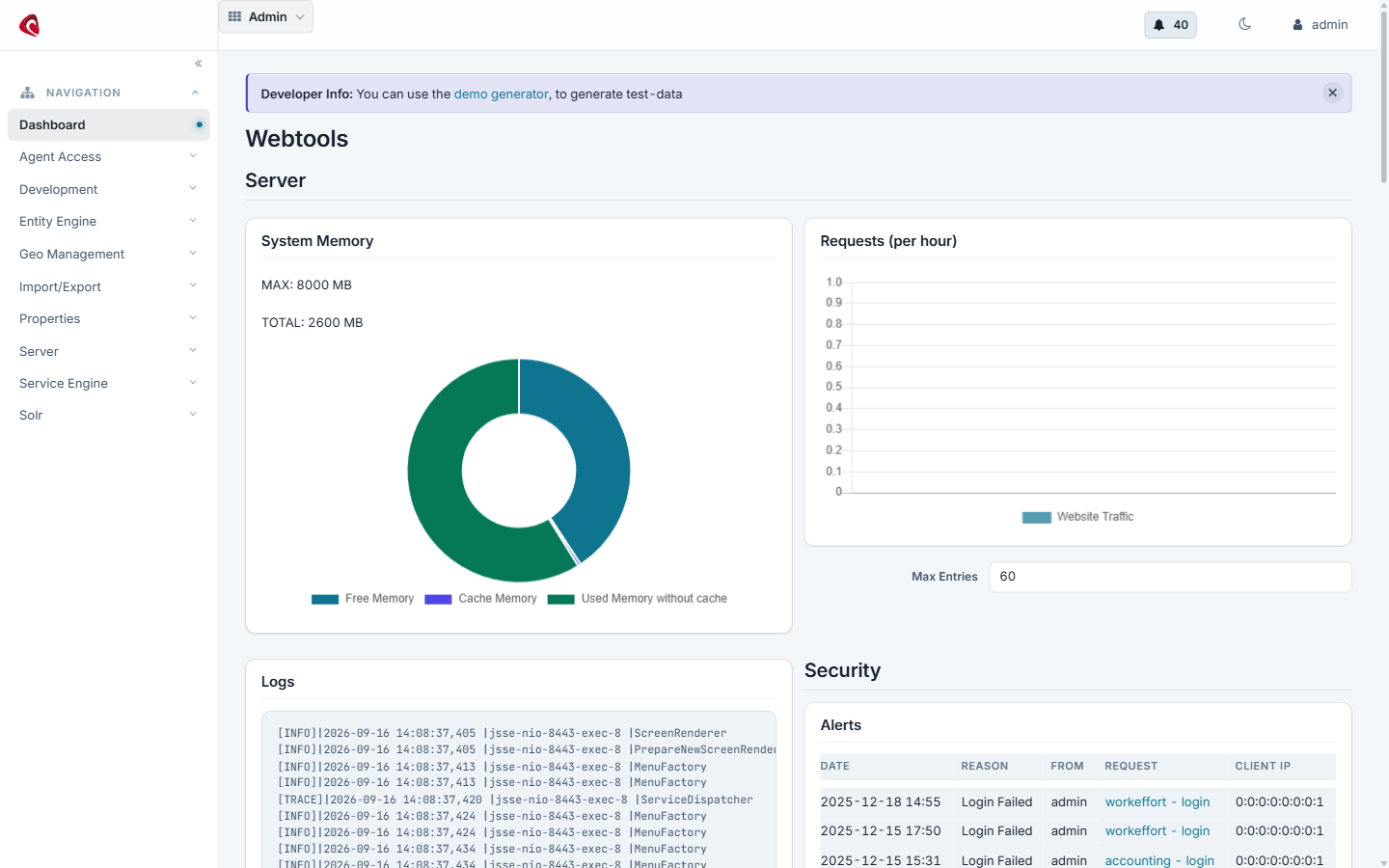
The administration application in 4.0: the entity engine, the service engine, the job queue and the state of the install.
Do it with an agent#
The administration application ships the six core tools. They are the ones that do not belong to a single application: they describe the install, reach any service and any entity, and say who the token is.
claude mcp add --transport http scipio-admin "https://<host>/admin/mcp" --header "Authorization: Bearer <token>"Six tools carry the application. Every call names the tool and one action.
scipio_apps—list,tools,call,skill_list.scipio_service—search,call.scipio_entity—find,store.scipio_document—search,get.scipio_whoami—whoami.scipio_admin—install_info,reload_registry,device_token_create.
Ask the install what it is#
“Which applications does this install run, and which tools may I use?”
The agent calls scipio_admin:install_info, scipio_apps:list and
scipio_apps:tools. scipio_whoami answers with the user behind the token
and that user’s permissions.
Reach a service that has no tool#
“Find the service that recalculates a product price and run it for MF_BIKE.”
The agent calls scipio_service:search, reads the parameters and calls
scipio_service:call. This is the escape hatch: every service of the system
is reachable, under the token’s permissions.
Give a shop floor tablet its own token#
“Make a token for the welding line tablet that may only work on the shop floor.”
The agent calls scipio_admin:device_token_create. The token is a user login
in the SCIPIO_FLOOR group with the MANUFACTURING_FLOOR permission, so the
tablet reaches the floor tools and nothing else.
The token is a user login. The agent does what that user may do, and nothing more. Every call writes one audit row. Read the security model before you hand a token out.
Development
The development tools (“Development”), provide easy access to: the developer documentation (a version specific …
Entity Engine
The entity engine provides you with database related utilities, such as data maintenance tools, auto-generated …
GEO Management
The GEO location Manager (“GEO Management”) can be used to create or update GEO locations, such as countries …
Import / Export
The “Import/Export” provide various tools to export and import data in various formats: Data File Tools – …
Label Manager
The “Label Manager” can be used to modify look-up and modify labels on runtime. The search form will return a …
Server
The server screen (Menuitem “Server”) gives access to server information, such as the logs or cache settings. …
Service Engine
The “Service Engine” grants access to all services. This includes: A list of all available services, their …
Solr
Direct link to the Solr Admin interface. Further information on the screens are available as part of the …