
Content
The content application holds the records behind every text, picture and document in the system: content records, data resources, blog entries, surveys and the files themselves. The CMS builds pages out of them, the shop shows them and the order application attaches them to a document.
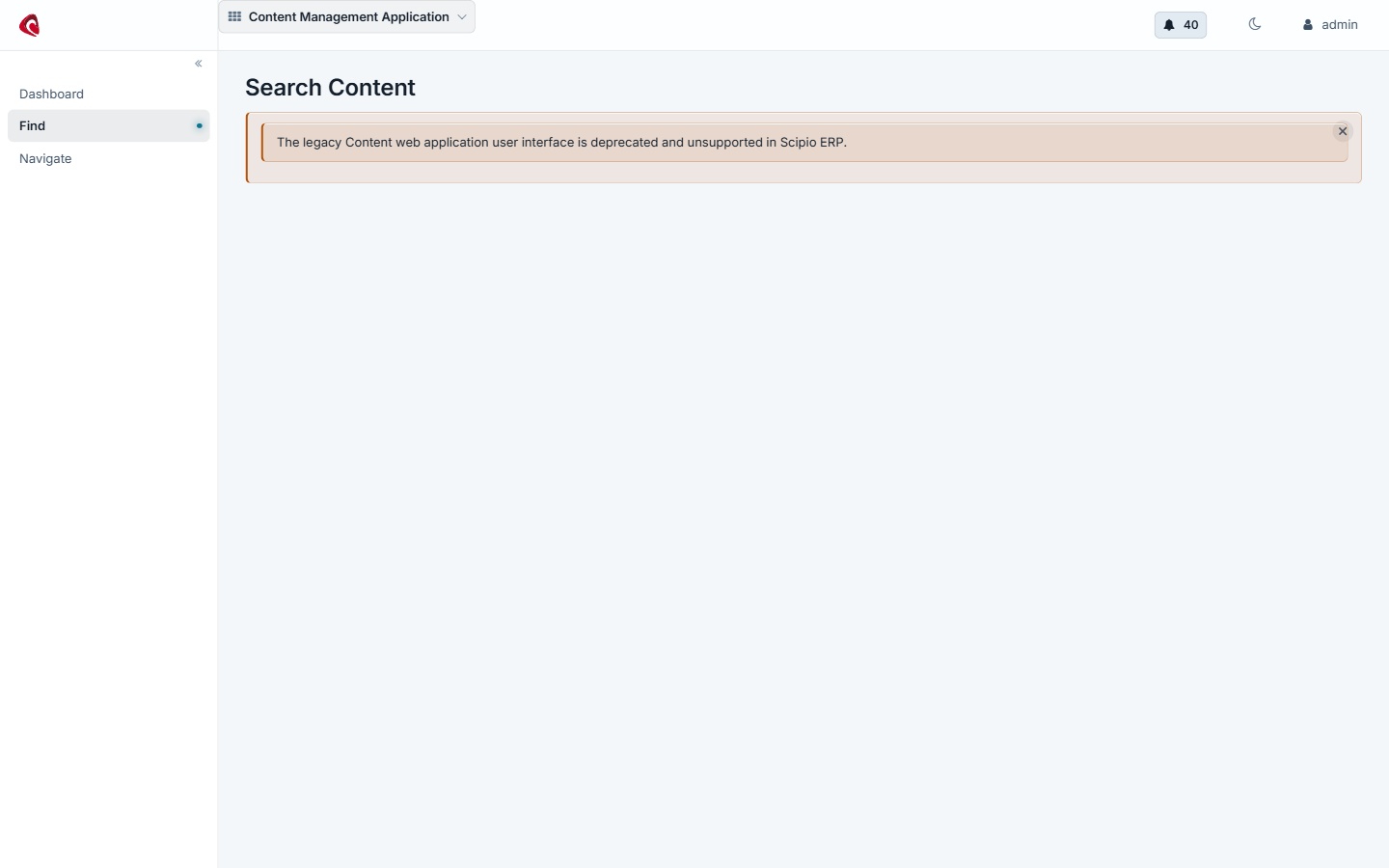
The content search screen: every content record of the install, with its type, its status and the data resource behind it.
The content application is the layer under the CMS . The CMS builds pages and templates; content holds the pieces the pages are built from, and everything else in the system that is text, a picture or a file.
Two record types carry the application:
- A data resource is the thing itself: a block of text, an uploaded file, a picture, a URL or a short piece of a template.
- A content record is what the system knows about that thing: its type, its language, its status, who may see it, and how it relates to other content.
One content record can carry many data resources, one per language, which is how the same product description answers in German and in English. Content records relate to each other, so a blog entry holds its comments, a product holds its description and its data sheet, and a page holds its parts.
Content runs through a status: draft, in review, approved, published. An approval is a record of its own, so you can see who approved what and when.
The application also holds:
- Blog entries, with their comments and their author.
- Surveys, with their questions, their answers and the responses people gave.
- Keywords, which is how the search finds a content record.
- Path aliases, which map a readable address on a web site onto a content record.
Do it with an agent#
Content ships an MCP server. Point your agent at the content webapp and it writes, uploads and approves with you.
claude mcp add --transport http scipio-content "https://<host>/content/mcp" --header "Authorization: Bearer <token>"One tool carries the application. Every call names the tool and one action.
content—find,get,create_text,update_text,upload,data_resource_create,assoc_set,role_add,set_status,approval_update,keyword_add,website_content_add,website_path_alias_set,blog_entry_create,survey_create,survey_question_add.
Write a text and put it in review#
“Write the German description for MF_BIKE, attach it to the product and put it in review.”
The agent calls content:create_text, content:assoc_set and
content:set_status. The reviewer answers with content:approval_update,
which records the name and the time.
Upload a data sheet#
“Here is the PDF data sheet for the frame. Upload it, attach it to the product and give it a readable address on the web site.”
The agent calls content:upload, content:assoc_set and
content:website_path_alias_set. An upload is a confirmed call, because it
writes a file.
Ask people something#
“Make a survey with three questions about the delivery and put it behind the order confirmation.”
The agent calls content:survey_create, content:survey_question_add three
times and content:website_content_add.
The token is a user login. The agent does what that user may do, and nothing more. Every call writes one audit row. Read the security model before you hand a token out.